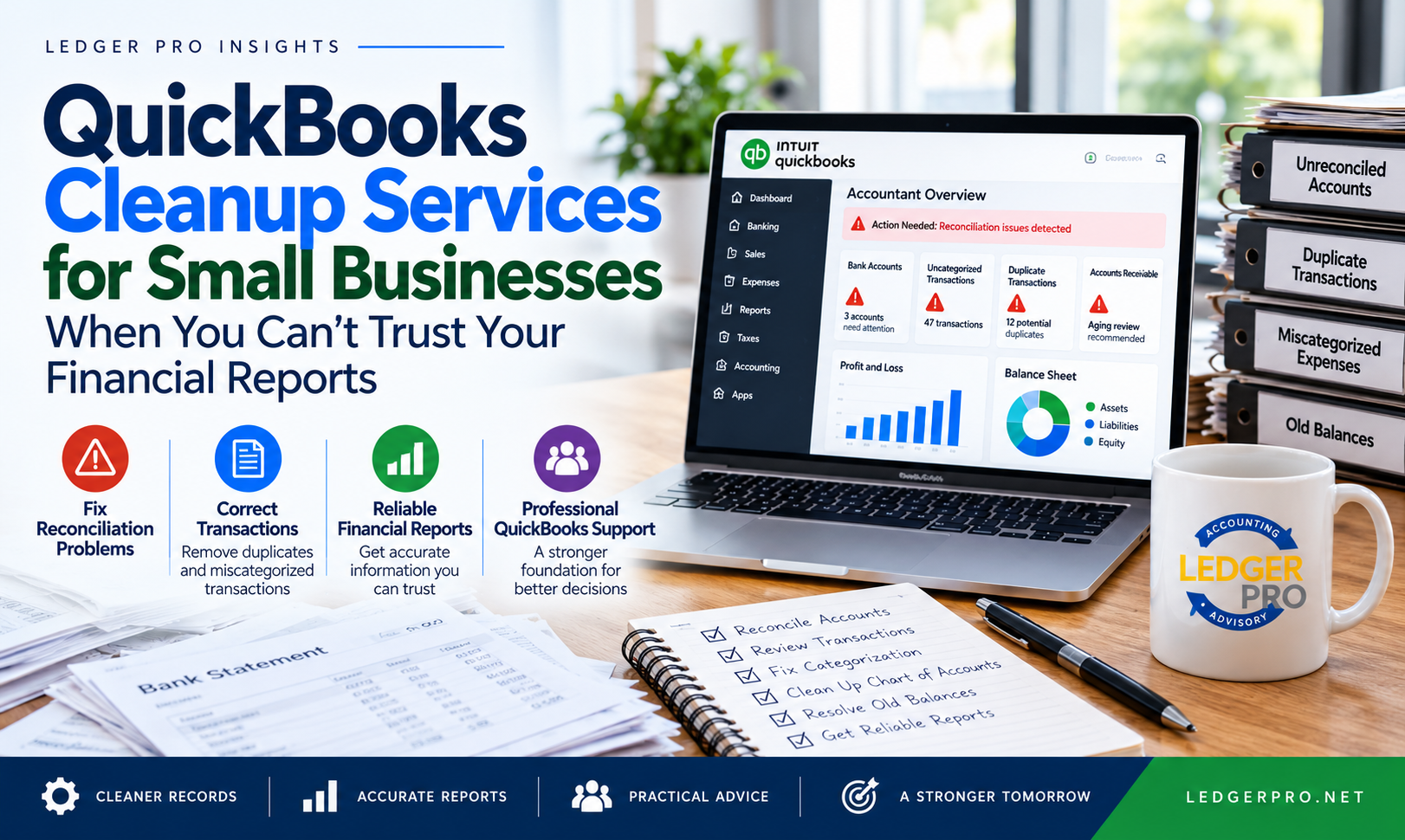
QuickBooks can contain months or even years of transactions and still produce financial reports that management should not rely on without further review.
Bank accounts may not reconcile. Transactions may be duplicated or categorized incorrectly. Old balances may remain on the balance sheet. Accounts receivable or accounts payable may contain amounts that no longer reflect what customers owe or what the business actually owes suppliers.
QuickBooks cleanup services for small businesses are designed to identify and correct accounting issues that can prevent your financial records from providing a reliable picture of the business.
A QuickBooks cleanup is a structured review and correction of accounting records that contain errors, inconsistencies, unreconciled accounts or questionable balances.
The exact work required depends on the condition of the accounting file. A cleanup may involve reviewing transactions, reconciliations, account balances and financial reports to determine what needs to be corrected.
Financial reports are only as useful as the accounting information behind them.
If transactions are duplicated, accounts are not reconciled or balances are incorrect, the profit and loss statement and balance sheet may provide management with a misleading view of financial performance.
That can affect decisions involving:
This is also why a regular monthly financial review should include more than simply generating financial statements.
Some accounting problems are obvious. Others remain hidden until someone reviews the underlying accounts.
Cleanup and catch-up bookkeeping are related, but they address different problems.
Cleanup generally addresses accounting information that has already been entered but may contain errors, inconsistencies or unreliable balances.
Catch-up bookkeeping generally addresses periods where transactions have not been completely recorded or accounting work has fallen behind.
Reconciliation is one of the most important controls in an accounting system. It compares the transactions recorded in QuickBooks with the activity reported by the financial institution.
Differences can indicate:
Cleanup work should investigate the reason for reconciliation differences rather than simply forcing the account to reconcile.
Business owners sometimes compare the cash balance shown in QuickBooks with online banking and conclude that the accounting records must be accurate if the amounts are close.
Unfortunately, matching cash balances do not establish that every transaction has been recorded or categorized correctly.
For example:
Transaction errors can distort both financial performance and individual account balances.
Duplicate entries can overstate income, expenses, assets or liabilities. They may occur when transactions are imported from bank feeds and also entered manually, or when the same activity is recorded more than once.
Uncategorized transactions should be investigated and assigned to the appropriate accounts based on the underlying activity and available documentation.
A transaction can be present in QuickBooks and still be wrong. Incorrect classification can distort operating expenses, profitability and balance sheet accounts.
Proper expense classification also supports more meaningful expense management and financial analysis.
The chart of accounts provides the structure used to organize the company's accounting information.
Over time, a QuickBooks file can accumulate duplicate, unnecessary or inconsistently used accounts. This can make financial statements more difficult to interpret.
Cleanup should preserve useful historical information while improving the organization of future financial reporting.
The accounts receivable balance should represent amounts customers genuinely owe the business.
Old invoices, incorrectly applied payments, duplicate invoices or improperly recorded deposits can make the receivable balance unreliable.
A cleanup should therefore review customer balances and aging reports as appropriate.
Our guide to accounts receivable management explains why accurate receivables are also important for cash flow and working capital.
Accounts payable should represent legitimate outstanding obligations to suppliers and other vendors.
Old bills, duplicate bills, payments that were not applied correctly or transactions recorded outside the normal accounts payable process can create inaccurate vendor balances.
Learn more about the financial importance of accounts payable management .
Some of the most important cleanup issues can appear on the balance sheet rather than the profit and loss statement.
Depending on the business, accounts requiring attention may include:
Unusual, negative or long-standing balances should be investigated rather than automatically removed. The appropriate correction depends on what created the balance and the supporting accounting information available.
Cleanup can improve financial reporting when accounting errors are causing income, expenses, assets or liabilities to be misstated or poorly classified.
The objective is not to make the reports show a particular result. It is to improve the reliability of the accounting information used to produce those reports.
Once the underlying accounting records are more reliable, a structured management reporting process can provide a clearer view of financial performance.
Management can then make better use of profitability analysis , cash flow information and other financial measures.
Cash flow problems are difficult to diagnose when receivables, payables, expenses or balance sheet accounts are unreliable.
Once the accounting information has been reviewed, management can make better use of cash flow analysis and working capital management to understand liquidity and short-term financial requirements.
Cleanup should not become an annual cycle where the same problems are repeatedly corrected.
Once the accounting records have been brought into better condition, the next objective should be maintaining that condition.
Businesses that need ongoing higher-level financial oversight may also benefit from fractional controller services after the initial cleanup is completed.
Before determining the scope of a cleanup, it helps to understand the current condition of the QuickBooks file.
Ledger Pro's QBO Client Review Benchmark provides a structured framework for reviewing important areas of a QuickBooks Online accounting file and identifying items that may require further attention.
View the QBO Client Review Benchmark
Cleanup is not the final objective. Reliable accounting information should ultimately help management understand the financial condition and performance of the business.
Once the accounting records can be relied upon with greater confidence, management can use the information for budgeting, forecasting, performance monitoring and financial decision support .
Ledger Pro can help review QuickBooks Online accounting information, identify areas requiring attention and determine the appropriate next steps based on the condition of the records.
Depending on the scope and condition of the QuickBooks file, review and cleanup support may include:
The actual scope should be determined after reviewing the accounting file. A business with a few isolated issues may require substantially less work than one with multiple unreconciled periods and extensive historical problems.
The appropriate service depends on whether you need an initial QuickBooks review, cleanup of existing accounting issues or ongoing accounting and financial review after the records have been corrected.
Review Ledger Pro's available accounting and advisory options to determine which level of support may be appropriate for your business.
View Ledger Pro Plans & Pricing
If you are unsure whether your QuickBooks records are accurate, the first step is to identify the condition of the accounting file and determine which areas actually require attention.
Book a QuickBooks Financial Review View Plans & Pricing
Prefer to contact us directly? Email Ledger Pro .
The scope depends on the condition of the accounting file. A cleanup can include reviewing reconciliations, transaction classifications, duplicate transactions, accounts receivable, accounts payable, balance sheet accounts, the chart of accounts and other areas affecting the reliability of financial reports.
Warning signs can include unreconciled accounts, unexplained balances, duplicate or uncategorized transactions, inaccurate customer or vendor balances and financial statements that you do not feel confident relying on.
Catch-up bookkeeping generally involves completing accounting work that has fallen behind. Cleanup generally involves correcting accounting information that has already been entered but contains errors, inconsistencies or unreliable balances. Some businesses require both.
The time required depends on the number of periods involved, the volume of transactions, the condition of the reconciliations, the number of accounting issues identified and the availability of supporting information. Reviewing the QuickBooks file first helps determine the appropriate scope of work.